.png)
Proton Authenticator is a free and open-source two-factor authentication (2FA) app that generates time-based one-time passwords (TOTP) to help secure online accounts. It is available on Windows, macOS, Linux, iOS, and Android, allowing users to access their verification codes across devices.
The app is designed to work without ads or tracking. A Proton account is optional and mainly used for encrypted sync between devices.
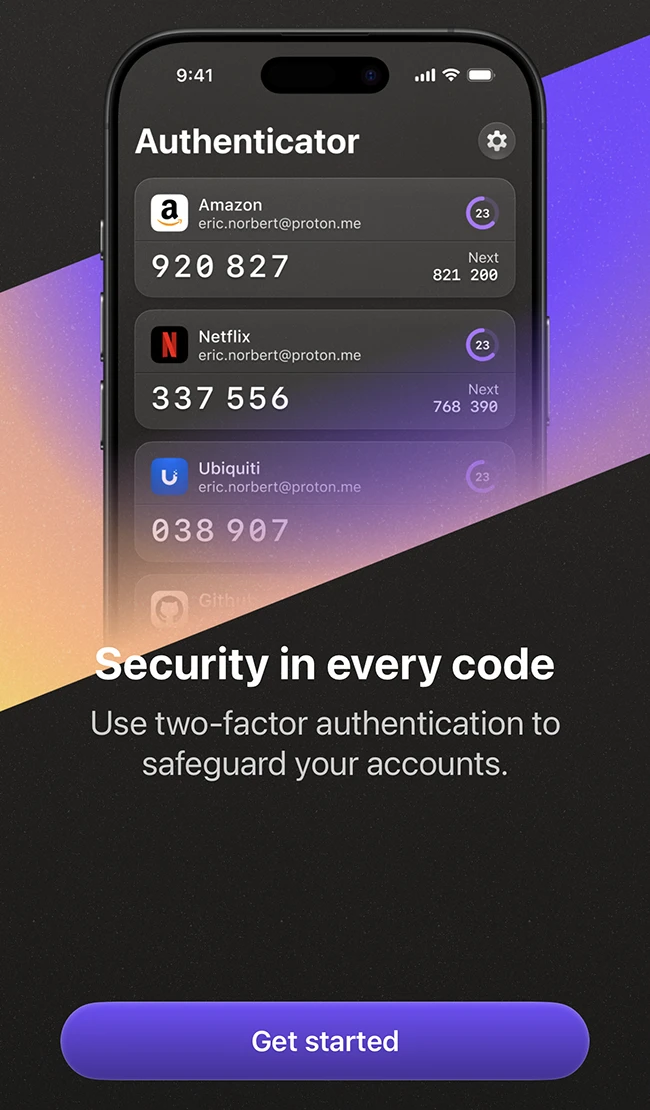
How Proton Authenticator works
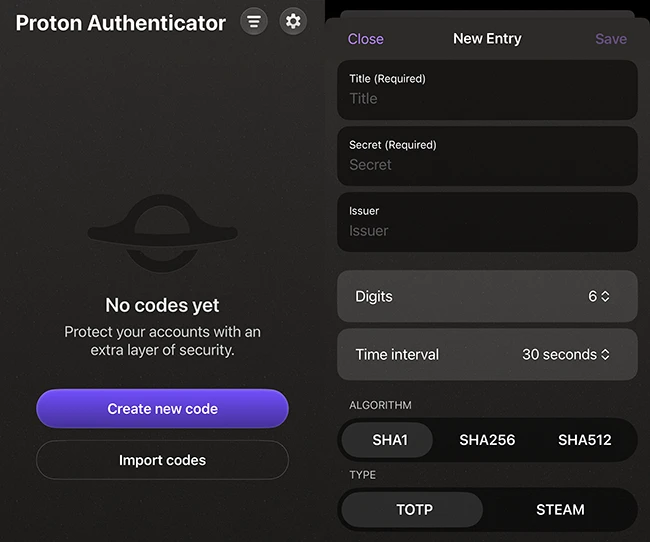
Setup starts with installing the app from the App Store and adding accounts. Users can scan a QR code or enter a setup key provided by a service that supports 2FA. Those switching from another authenticator can import existing tokens, which helps avoid manual reconfiguration.
Proton Authenticator can be used on its own or alongside other Proton services. It supports workflows where authentication codes are managed separately from passwords.
The app generates six-digit codes that refresh every 30 seconds. These codes are required in addition to a password when logging in to supported services.
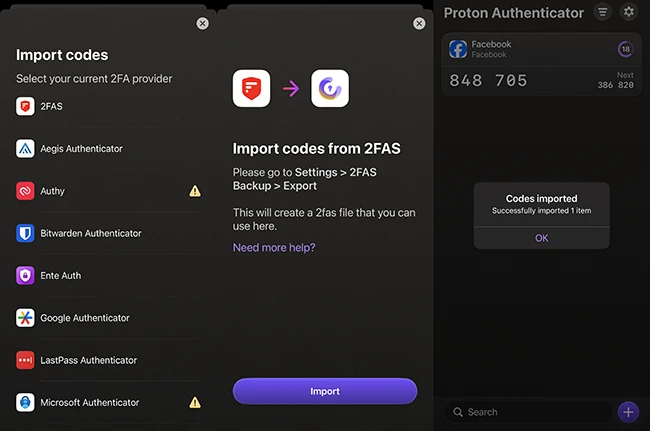
The app supports importing tokens from other authenticator tools such as Google Authenticator, Aegis, or Bitwarden Authenticator. Export functionality is also included, allowing users to retain control of their data and move it when needed.
Codes are generated locally on the device. They remain accessible without an internet connection, which makes the app reliable in offline or restricted environments.
Security model
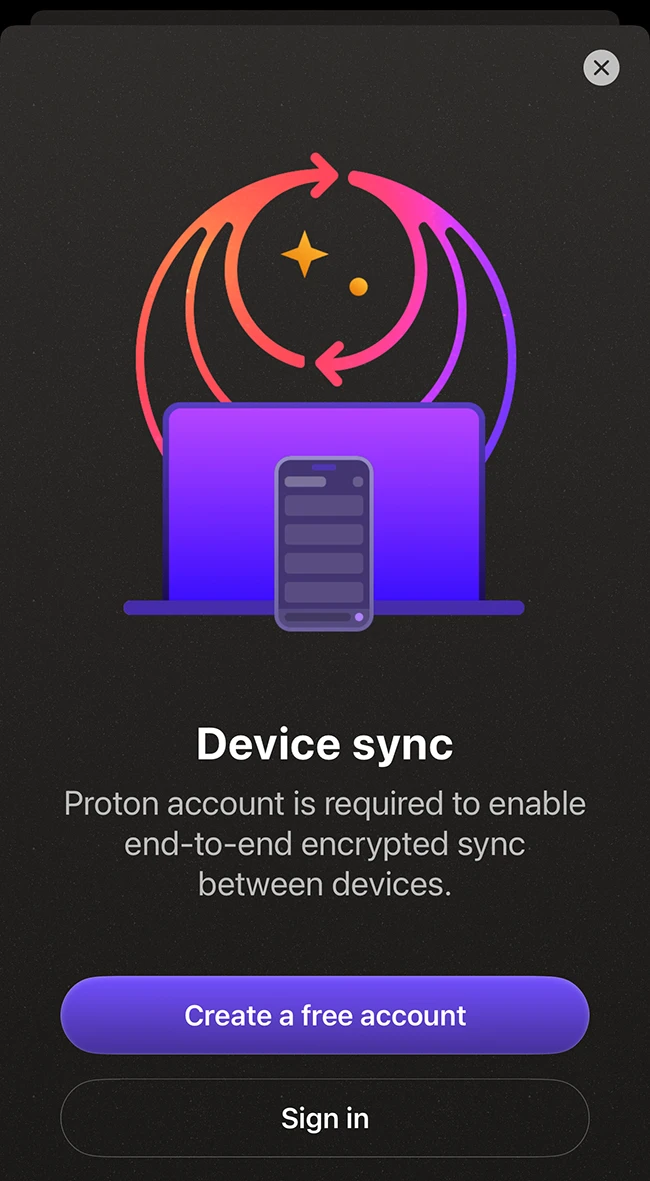
Proton Authenticator uses end-to-end encryption to protect data when synchronization is enabled. Encryption takes place on the user’s device, so only the user can access stored authentication tokens.
The app is open source, allowing anyone to review how it handles data and security. This adds a level of transparency for users who want visibility into the software they rely on.
Users can protect access to the app with a PIN or biometric authentication, depending on the device. These controls help prevent unauthorized access if a device is shared or lost.
Backup and recovery
The app provides several options for backing up authentication data. Users can enable encrypted backups through a Proton account or rely on platform-specific backup systems.
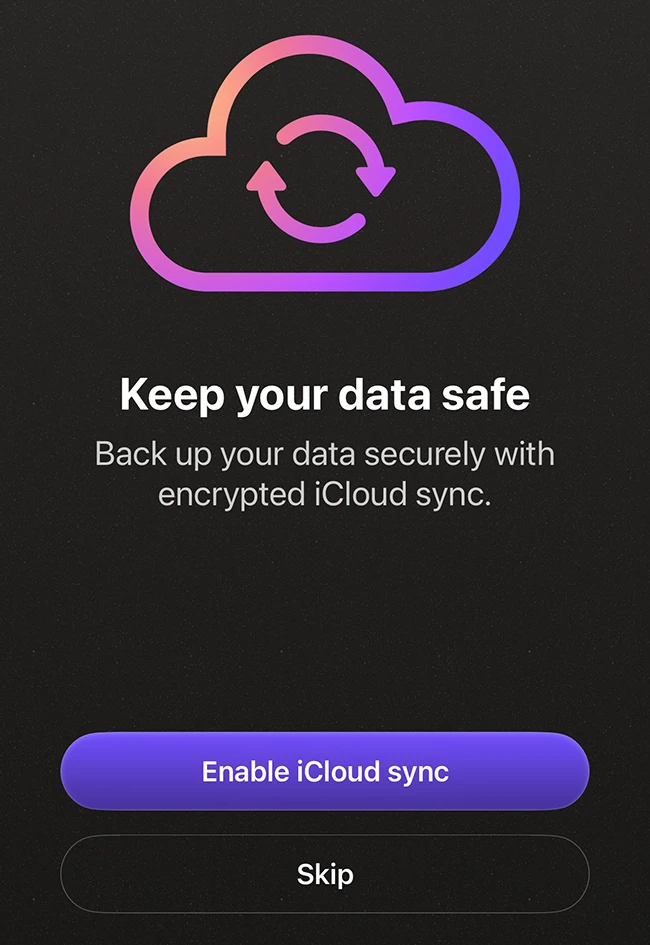
Export tools allow users to create external backups of their authentication data. This reduces the risk of losing access to accounts if a device is replaced or unavailable.
Conclusion
Proton Authenticator is a solid option if you want more control over your two-factor authentication setup. It handles the basics like generating codes, syncing across devices, and backing up your data, without locking you into one way of doing things.
from Help Net Security https://ift.tt/ZSmxG3F


0 comments:
Post a Comment